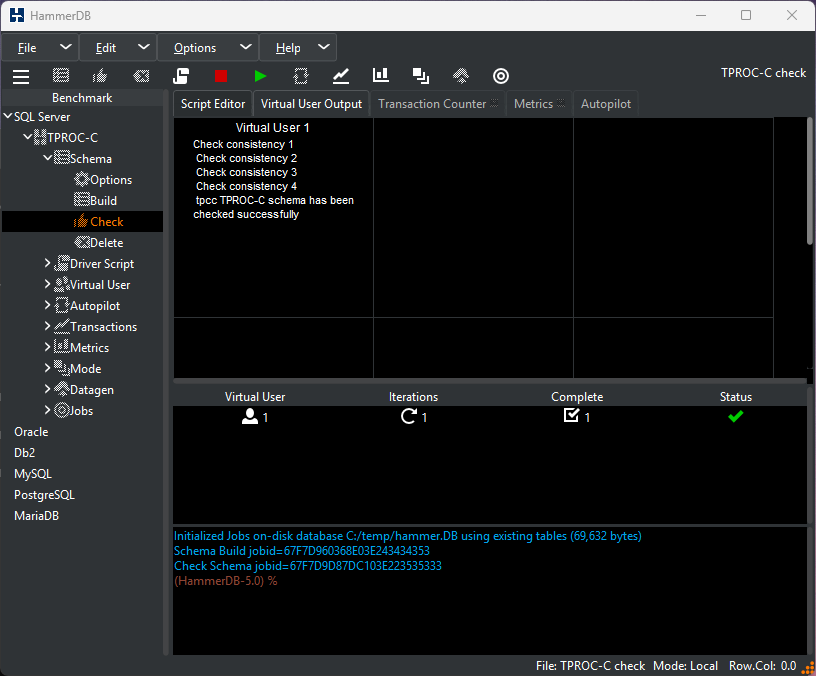
Under the tree menu, select the Check icon and click OK on the prompt. HammerDB will then run a number of checks to ensure that the schema has been built successfully and the data is consistent.
Figure 2.7. Schema Check