HammerDB provides 3 interfaces to configure, run and browse database benchmark results running on Linux and Windows systems, benchmarking databases on any platform enabling the user to configure and run benchmarks most applicable to their needs with the underlying high performance benchmarking engine common across all interfaces. It also enables the user to seamlessly switch from local laptop and desktop test platforms to enterprise server test and validation whil maintaining identical an repeatable test platform for the worlds most popular relational databases.
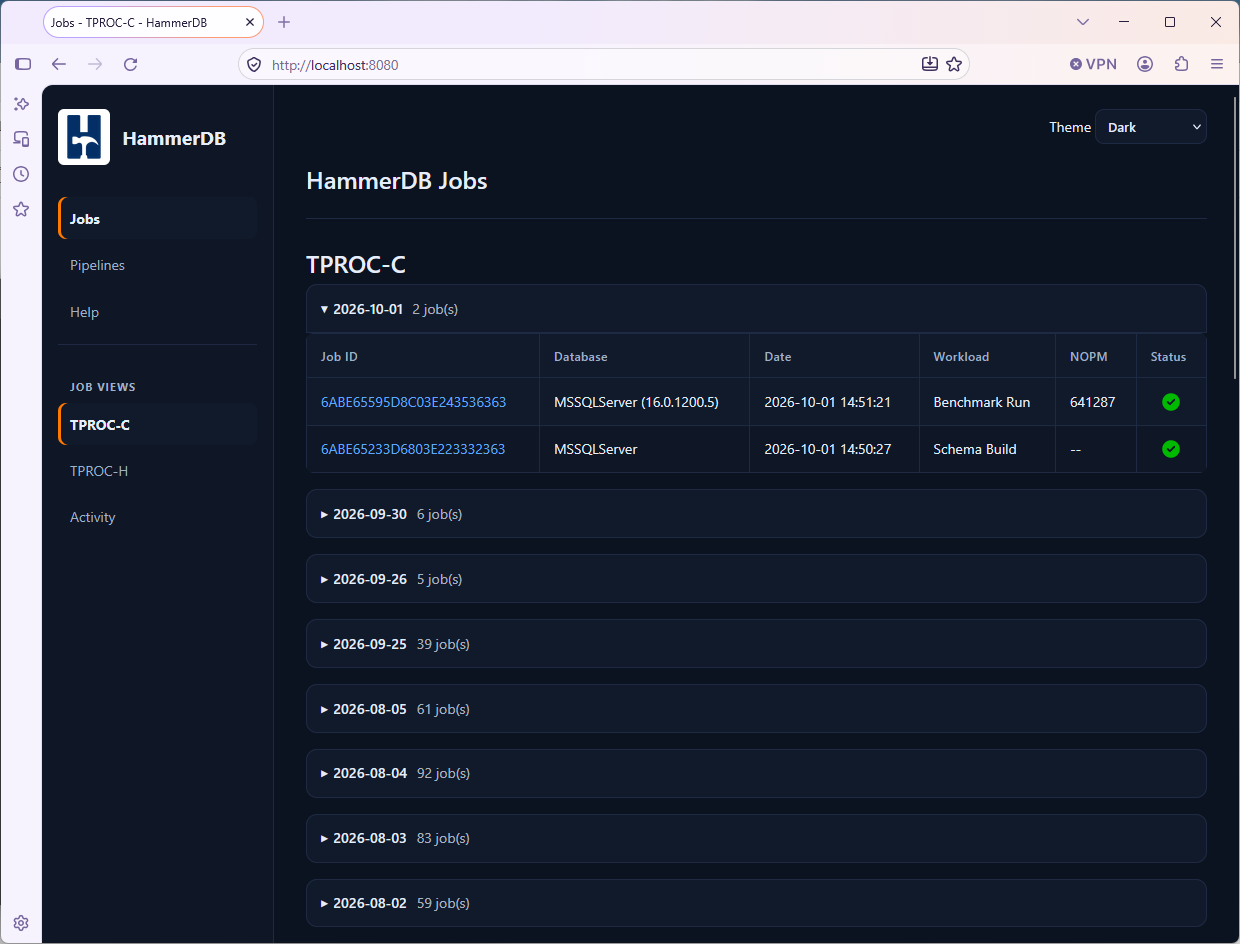
The Web Service provides detailed views and benchmark reports on all of the tests run by HammerDB whether run by the web service, desktop or CLI. It also provides Pipeline functionality on Linux to install, configure and run benchmarks against open source databases.
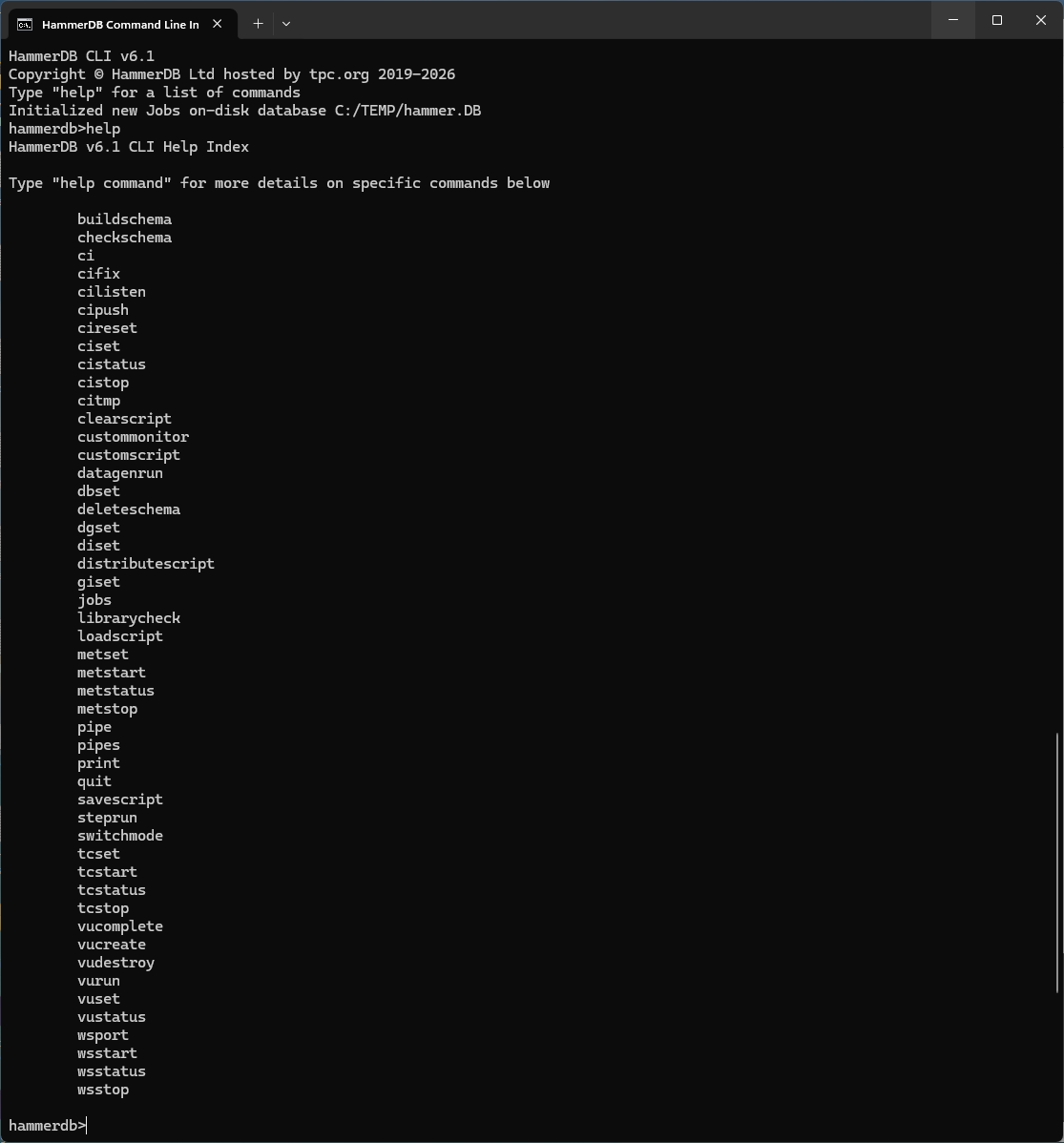
The CLI enables the user to access full HammerDB benchmark functionality at a text prompt. The CLI can run in Python or TCL mode accepting customised scripting in these languages for advanced testing. Example Python and TCL scripts are included with HammerDB to be able to run fully automated workloads from within this console environment.
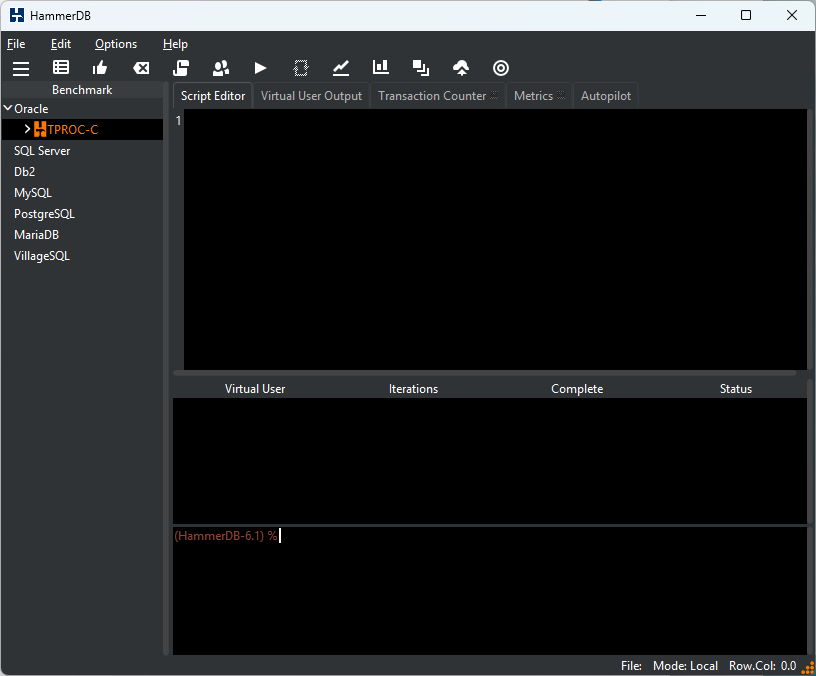
The Desktop runs natively on both Linux and Windows providing the user with a graphical display to configure and run database benchmarks. It also includes advanced system and database metrics for observing database performance metrics in real time.
This section details the installation of HammerDB after which the hammerdbws, hammerdbcli and hammerdb executables are available to run the web service, command line and desktop GUI respectively.