

HammerDB v6.0 introduces result artifacts: saved benchmark result files that can be reviewed locally and shared through the TPC-Council community results repository on GitHub.
This was one of the main goals discussed at TPCTC 2025 in London. The TPC-Council wanted HammerDB users to have a clearer way to share community benchmark results with the details of the test preserved alongside the result.
A HammerDB result artifact keeps the benchmark output together with the information needed to understand how the test was run and a number of enhancements were made to HammerDB at the request of TPC-OSS members. In particular the agent was improved to do system discovery at the start of a run, to improve the capturing of response time metrics and to record I/O metrics in addition to the existing CPU metrics.
What a result artifact contains
A result artifact records the key information from a HammerDB benchmark run, including:
- the benchmark workload
- the database engine
- the database version
- the workload configuration
- the system details
- the benchmark result
- runtime metrics
- response-time profile data
This gives users a structured result file instead of relying only on screenshots, copied console output or a single performance number.

Community result sharing
HammerDB v6.0 uses result artifacts as the basis for community result sharing.
The workflow is:
- Run a HammerDB benchmark.
- Save the result artifact.
- Review the generated benchmark report.
- Submit the artifact through the TPC-Council community results workflow on GitHub.
The result can then be reviewed with the workload, system, configuration, metrics and profile data attached to it at the TPC-Council Github site https://tpc-council.github.io/hammerdb-results/index.html
The examples shown are prototype tests to validate the process for Windows and Linux not accepted artifact results.
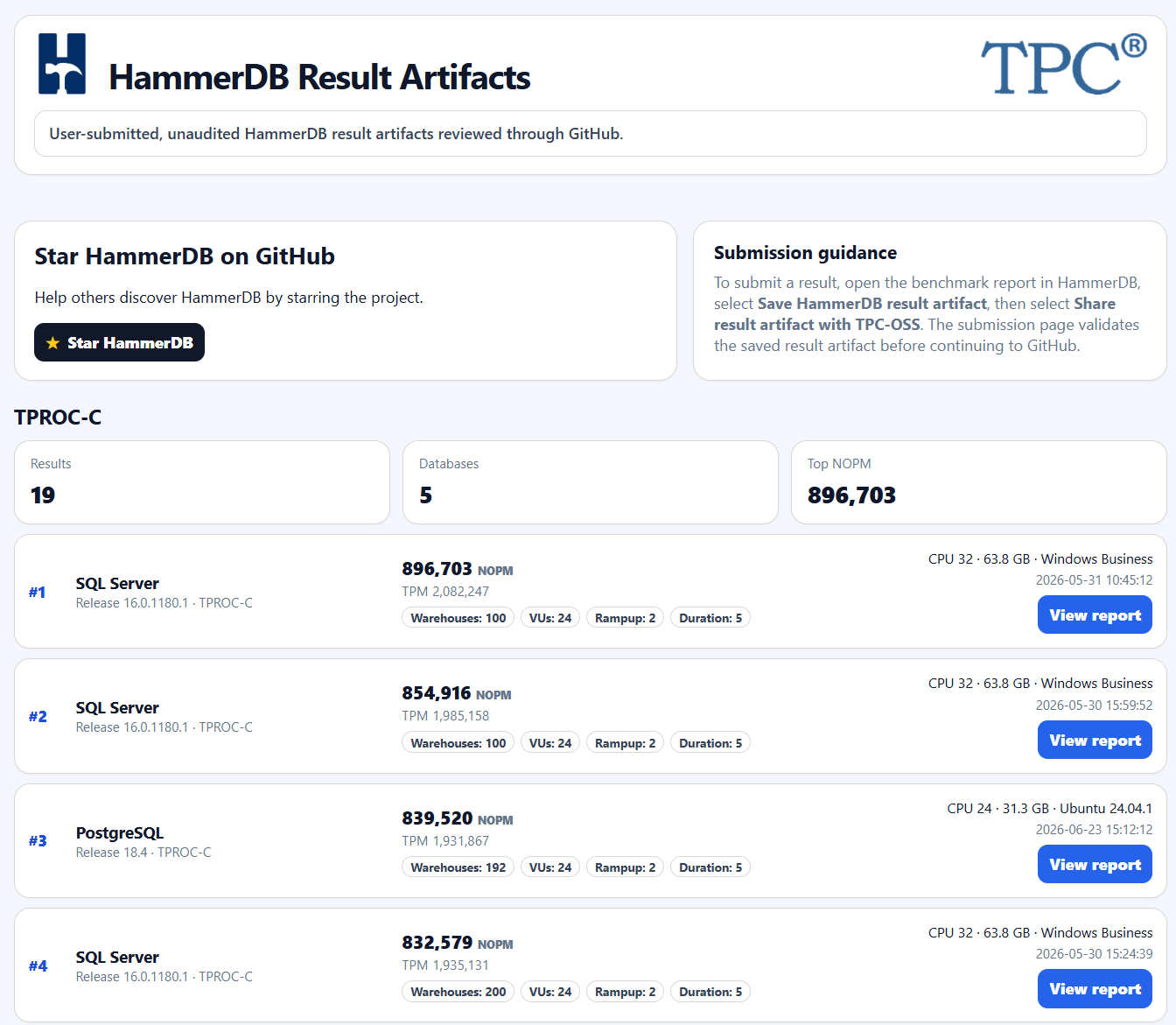
Result Artifact Example
Firstly run a HammerDB benchmark against your chosen database. The more detail that you gather as part of a run, the more evidence you can provide for a reviewer to accept your artifact. Key examples are:
- Enable time profiling
- Run the transaction counter
- Run the hammerdb agent for system discovery and metrics capture
After the run in the HammerDB webservice click on the JobID and select option 1 Benchmark report.

Scroll to the bottom of the report and you will see the options to Save and Share the result artifact.

The artifact can be saved to your local PC.
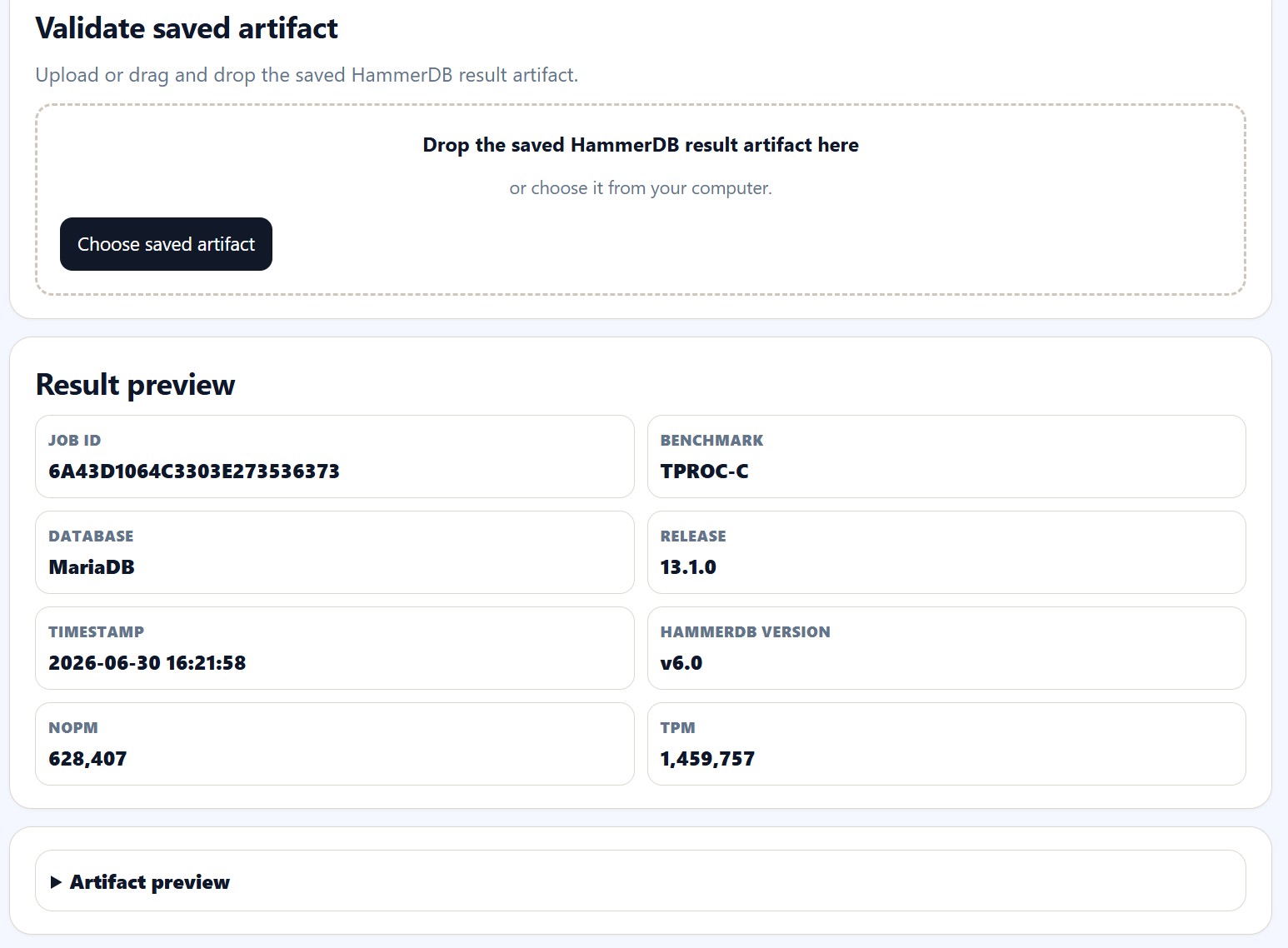
There is a preview page on the HammerDB website, which will validate the artifact and show the results and charts. HammerDB will not capture or retain any data from uploaded artifacts.
The artifact is machine readable and AI compatible for analysis.


When ready navigate to the Submit page from either the benchmark report page or the HammerDB results page and upload the artifact. The submit page will check the artifact structure and also whether it is a duplicate. When the page shows Ready to submit, click Copy JSON to load the artifact into your clipboard.

When the artifact is loaded, Continue to GitHub.
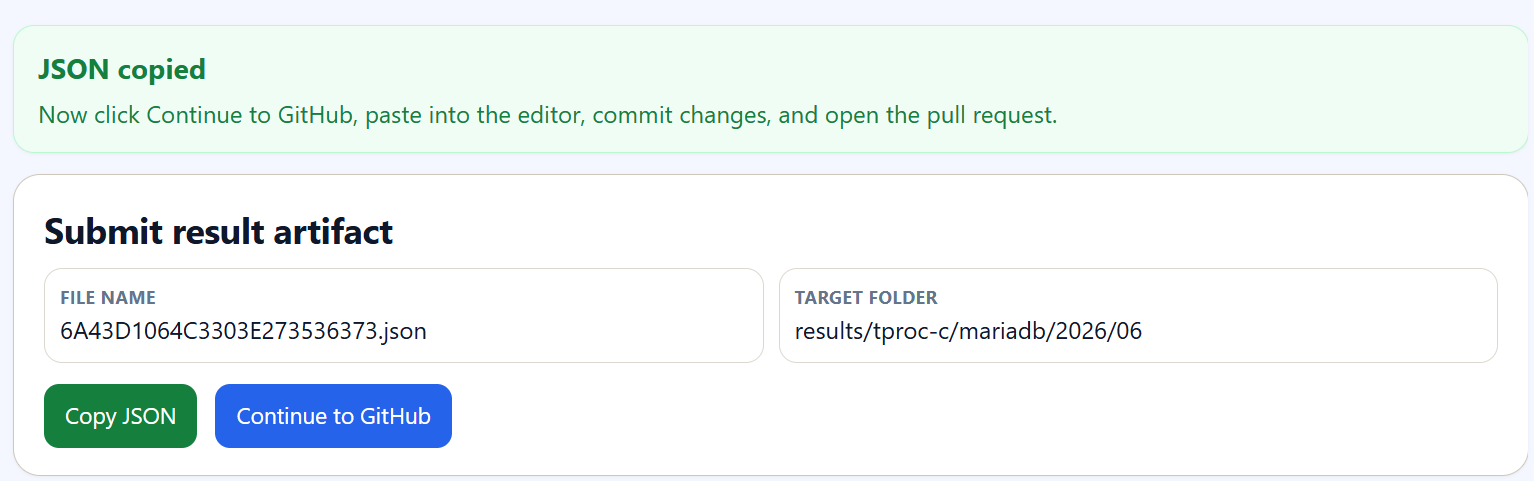
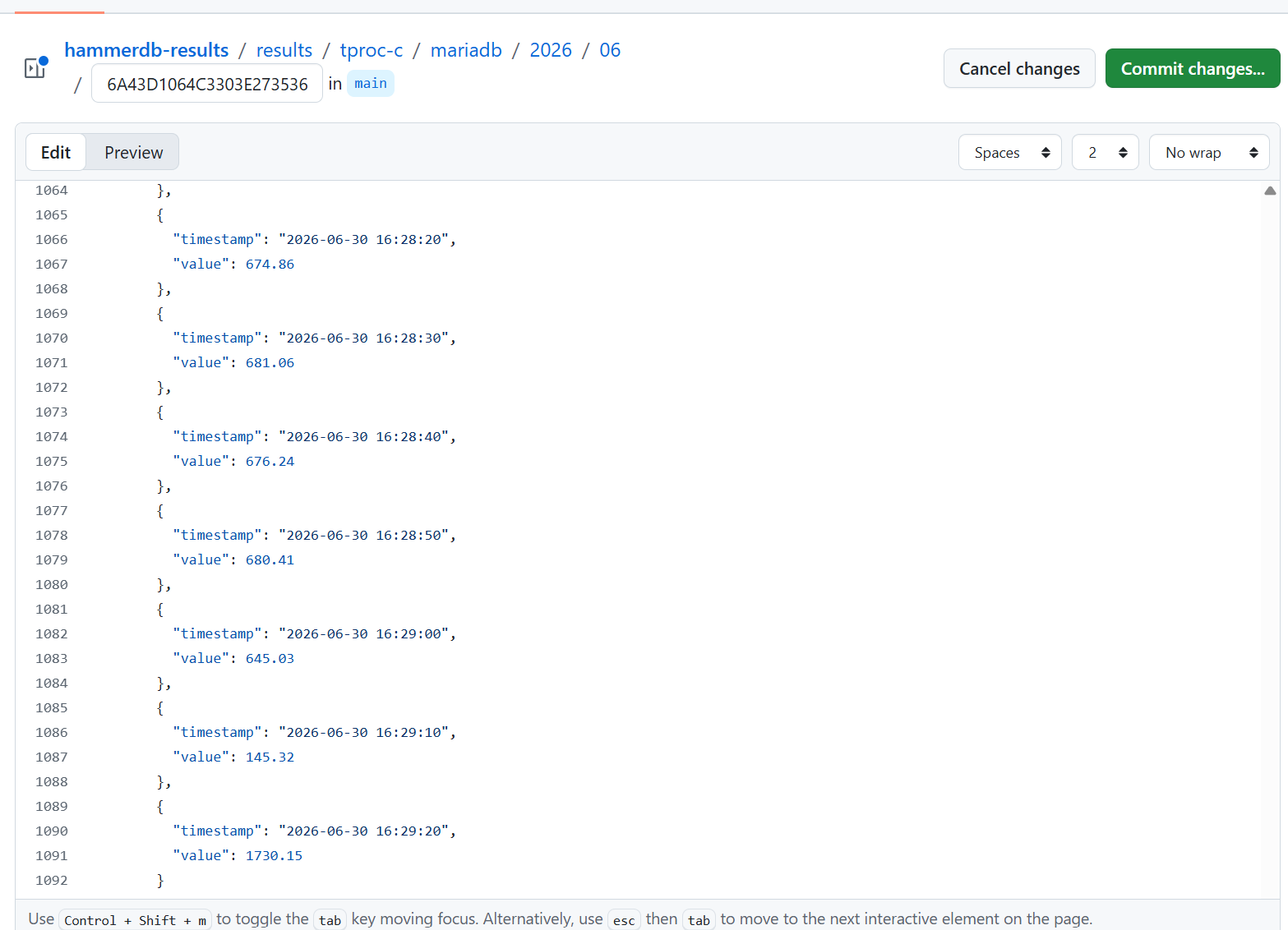
Paste the results into the GitHub HammerDB page and commit the changes. Follow the path to propose new changes via a pull request. The TPC-OSS subcommittee team will review the changes, follow up with additional questions and approve valid results.
Community results and community process
HammerDB community results are not audited TPC benchmark results. They are open-source shared artifacts. The entire process is open and transparent and hosted on GitHub which was a key decision of TPC-OSS. Anyone can contribute to HammerDB and the HammerDB results process. Anyone can join the TPC and participate in the TPC-OSS subcommittee to shape the future of sharing trusted open source database benchmarks. Result artifacts are the first step on the journey.
They are open community results shared through the TPC-Council GitHub workflow. The purpose is to make HammerDB benchmark results easier to save, review and discuss while keeping the test context attached to the result.
Formal audited TPC benchmark results remain a separate process.